Changelog

Follow new updates and improvements to Appointwise.

Appointwise v2 is here 🚀
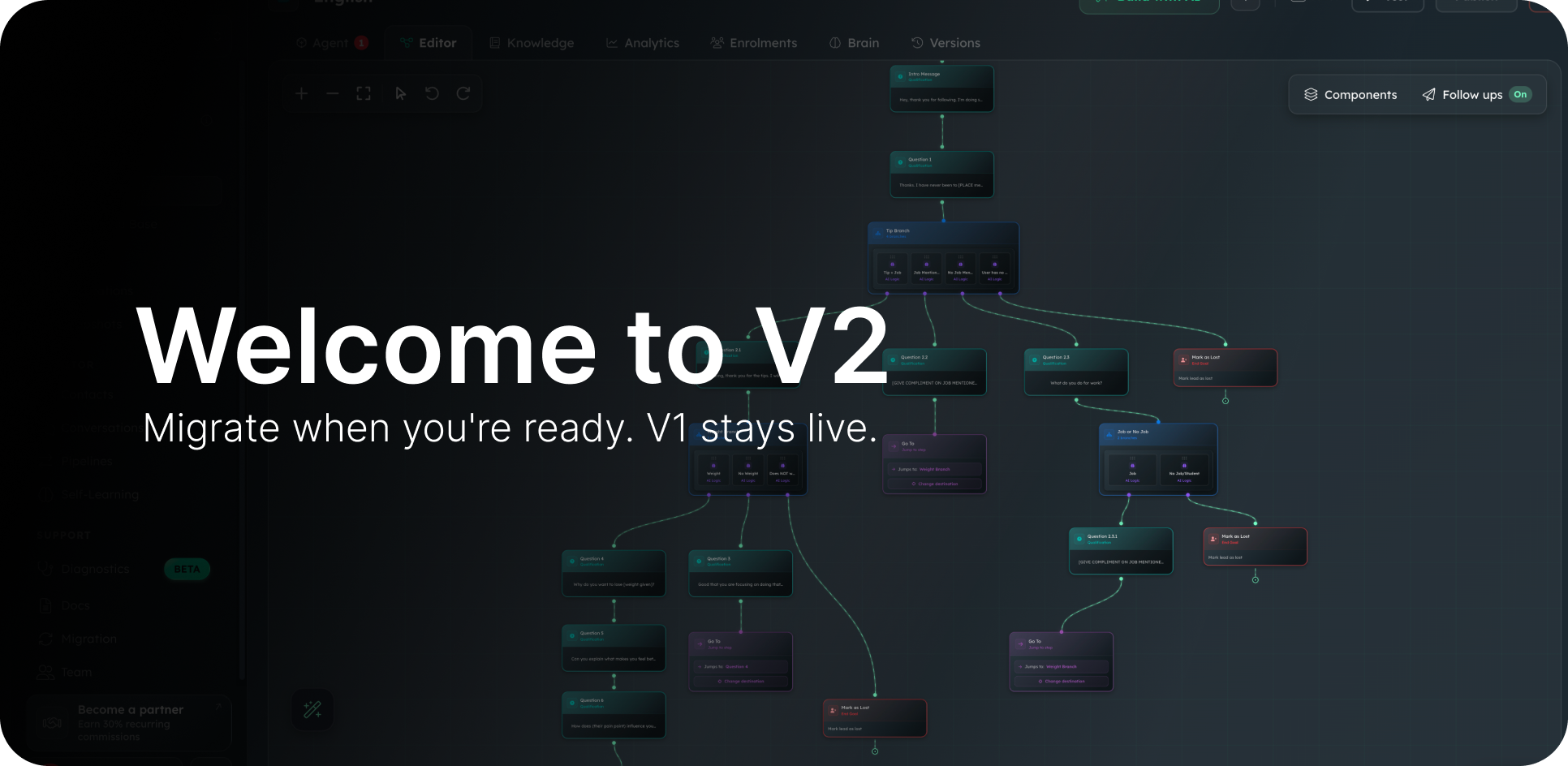
A smarter setter, a new builder, and a clean path to migrate.

Over the last few months we've been quietly rebuilding Appointwise from the ground up. V2 is finally ready for you.

Same Appointwise, sharper setter, brand-new builder.

V1 isn't going anywhere. Your existing agents keep running exactly as they are. V2 is a separate platform you can move to when you want, at the pace you want. Here's what's new and how migration works.

What's new in v2

→ WISE-1. Our very own proprietary large language model. We built it ourselves and trained it on millions of real lead conversations, so it's tuned for the exact work your agents do, not a generic ChatGPT wrapper. Faster, more grounded, and far better at handling objections, off-script questions, and edge cases without going off the rails.

→ Workflow Builder. A visual canvas for designing how your AI qualifies, routes and books leads. Drag, branch and test in one place.

→ Template Gallery. 10+ niche templates (solar, dental, HVAC, medspa, plumbing, electrician, chiropractic and more) you can launch in minutes.

→ Multi-channel. Native GHL, Twilio and Meta integrations, no extra plumbing.

→ Built-in escalation. When the AI hits something it shouldn't handle, it cleanly hands off to a human inbox instead of guessing.

Net result: more booked appointments, fewer weird conversations, and a builder that actually shows you what's happening.

👉 Preview v2 in my account

How migration actually works

No forced cutover, no deadline, no surprise migrations. You're in full control. Here's the flow:

→ Auto-import in one click. Open v2 and pull your existing v1 agents straight in. No rebuilding from scratch.

→ Edit and test safely. Refine your agent in the new builder and test it as long as you like. Zero leads touch it until you say so.

→ Swap the webhook when ready. V2 runs on its own webhook in your snapshot. Swap the URL and your leads start flowing into the new agent. That's the cutover.

→ Stay on v1 if you prefer. V1 stays fully live. Keep running, keep building new agents there too. Migration is a choice, not a deadline.

👉 Open the migration page

Want to dig in yourself?

If you're someone who likes to explore, here's where to start:

v2 Setup Guides. Short walk-throughs of the Workflow Builder, templates and integrations, right inside the app.

Pricing stays the same on your current plan. If anything ever changes down the line, you'll hear it from us first.

PS: Nothing on v1 turns off. Your agents, your snapshot, your webhooks. All stay live until you swap them. Take a week, take six months, build on both, whatever works for you. If you get stuck, just reply to this email. Average response time is around 7 minutes.
🚀 Version 7.1 — Bug Fixes & Improvements 14/11/2025

First off, thank you for your patience while we worked through some of the bugs that surfaced after our big release. We really appreciate everyone who reported issues and stuck with us while we pushed out fixes. 🙏

Here’s what’s now resolved:

🛠 Bug Fixes

  • Follow-ups not turning off after booking or reaching the CTA – Fixed

  • “Turn off AI” endpoint in GHL workflows not working – Fixed

  • Split testing not behaving as expected – Fixed

  • Test environment not firing properly or displaying custom tasks – Fixed

  • AI rebooking a lead after an appointment was already booked – Fixed

  • Knowledge base not feeding through to the AI correctly – Fixed

  • Conversations tab not displaying lead conversations – Fixed

  • Split messaging firing when turned off - Fixed

  • ‘Add tag’ task failing - Fixed

If you spot anything else that looks off, please keep the feedback coming, it helps us make the platform better for you!

MAJOR UPDATE: 10+ New Features

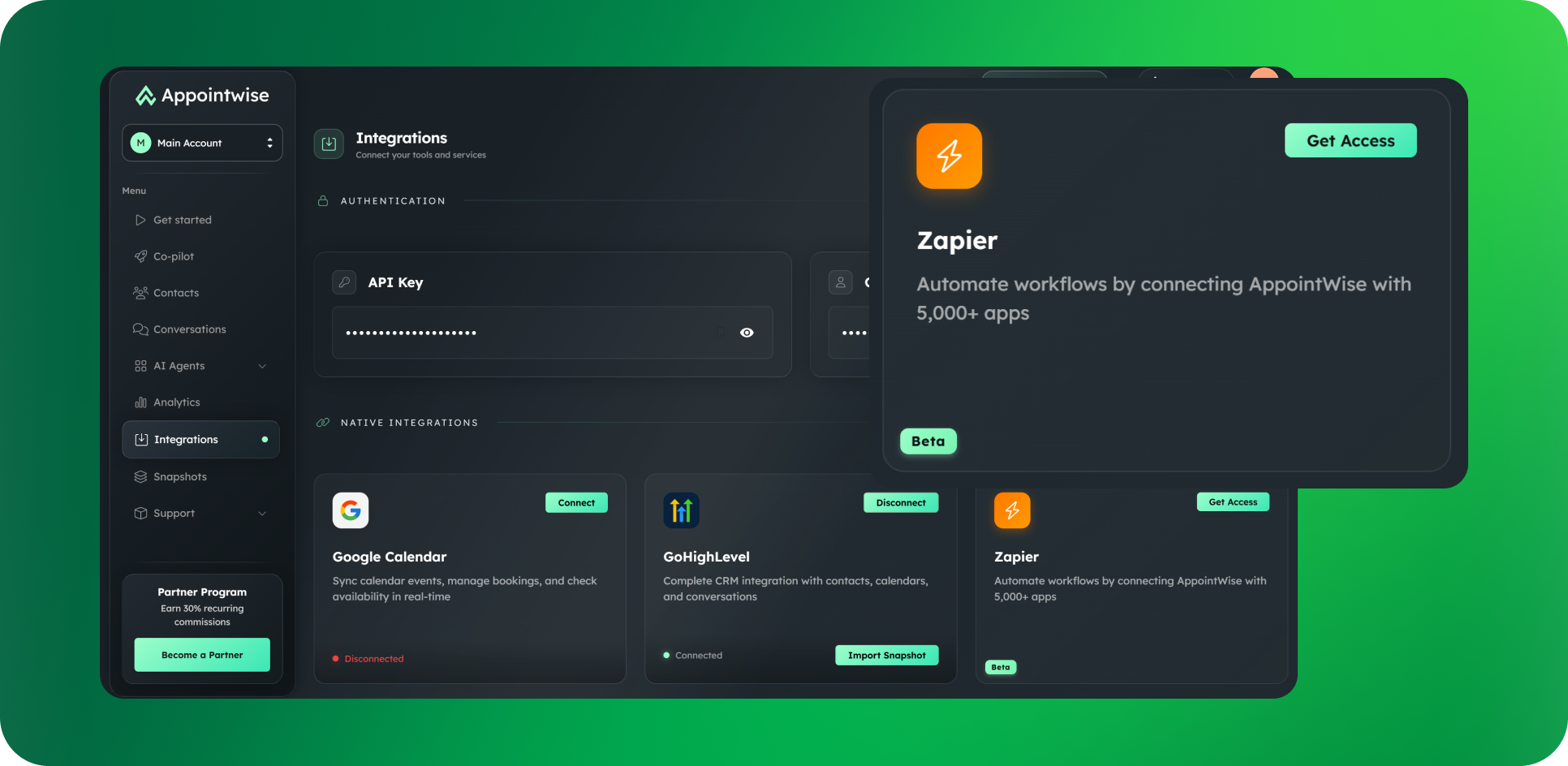
Zapier integration (7,000+ apps)

Connect Appointwise to your stack: messaging, follow-ups, and AI booking now work across any Zapier app, so you can plug into your favorite, most-used tools.

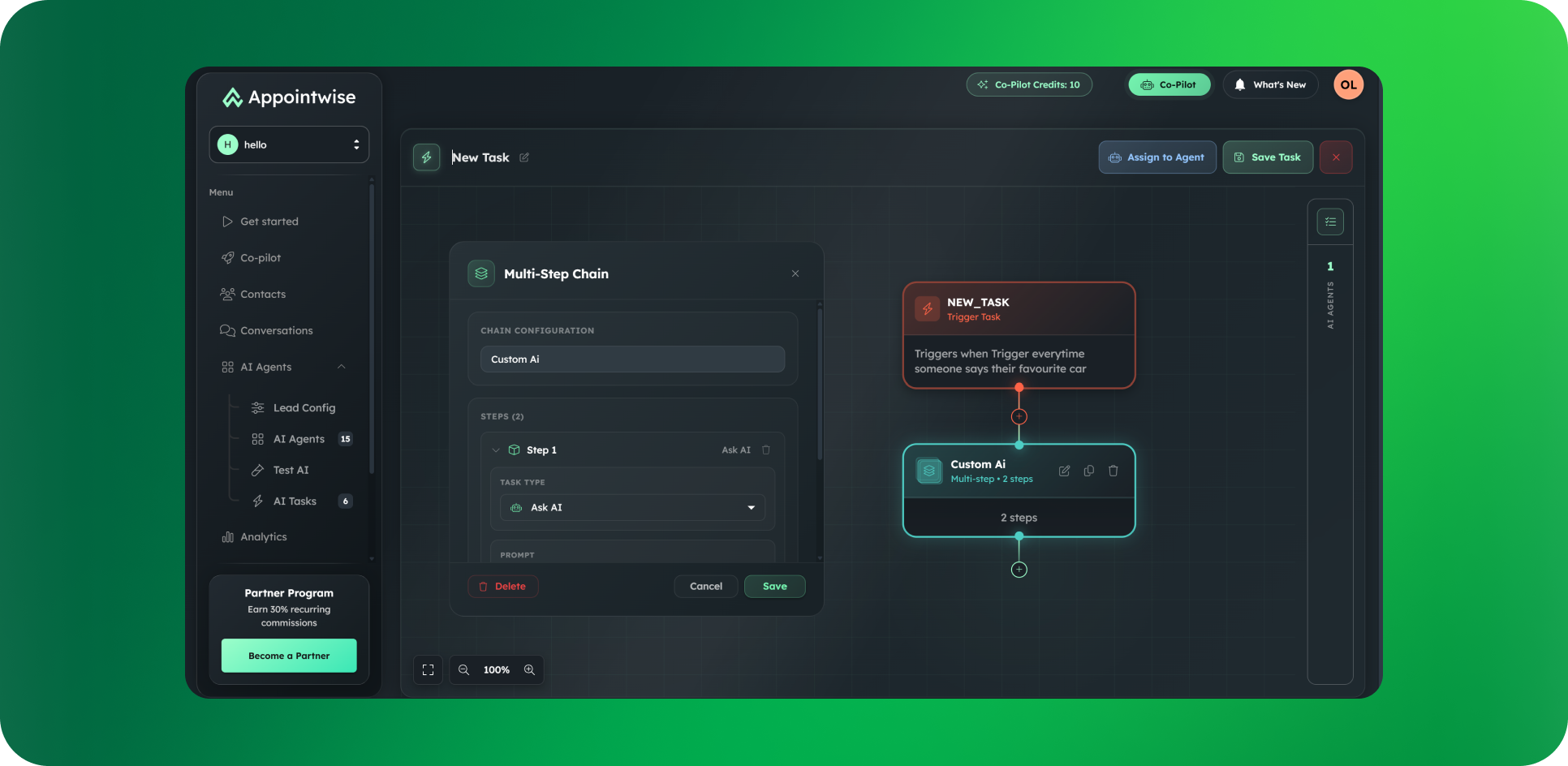
AI Tasks (own tab + new drag-and-drop builder)

Build workflows visually with brand-new task types: Assign Calendar and Assign New Agent perfect for creating dynamic, multi-agent teams.

Split messaging

Your AI now breaks responses into natural message chunks, just like a real person would text. Instead of sending one long paragraph, it sends shorter, staggered messages that create a more organic, human-like conversation flow.

New Calendar Look Up

Your AI now has complete visibility into your future calendar availability - no more date restrictions. Whether a lead wants to book next week or three months out, your AI sees your availability and books them seamlessly, every single time.

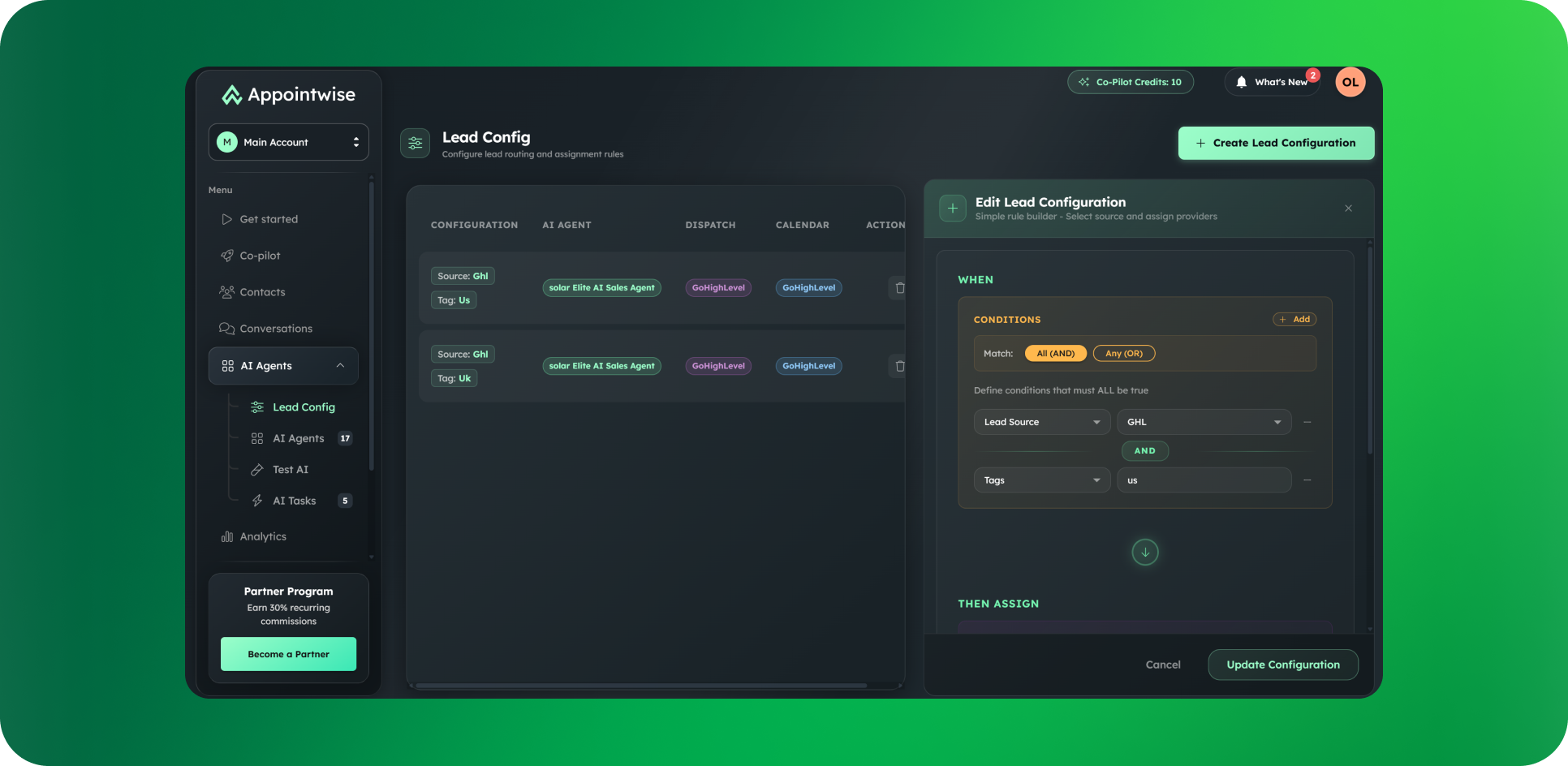
Lead Configuration

Full system modulization, lead configurator allows you to set up specific agent configurations based on a unique value like their tag, source, address, any data value you want. 1 agent millions of different configuration possibilities. Here is an example of how it can be used to assign 2 leads to the same agent but with different calendars based on a data value:

  1. Lead A comes in with TAG: Dave —→ Assign this lead to Agent 1 ——> Assign Daves Calendar

  2. Lead B comes in with TAG: Tim —→ Assign this lead to Agent 1 ——> Assign Tims Calendar

Why it’s useful:

  • Modular: Add or change rules without touching core logic.

  • Granular: Combine multiple data values to create highly specific assignments.

  • Scalable: Start simple and extend to complex routing as your needs grow.

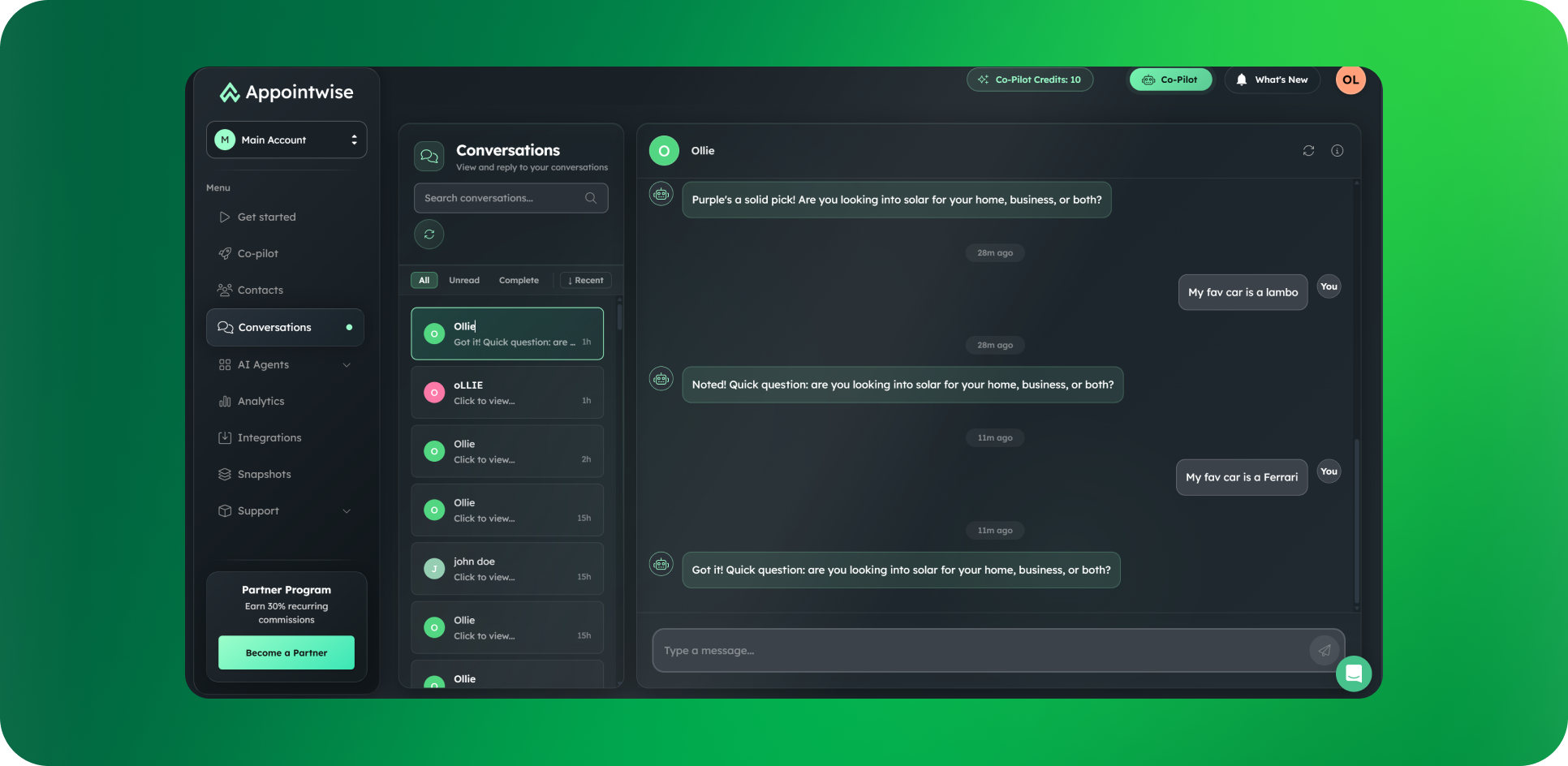
Conversations tab

View every lead conversation in one centralized place. Toggle the AI on/off per thread, message leads directly from Appointwise, and manually assign to new agents or tasks with ease.

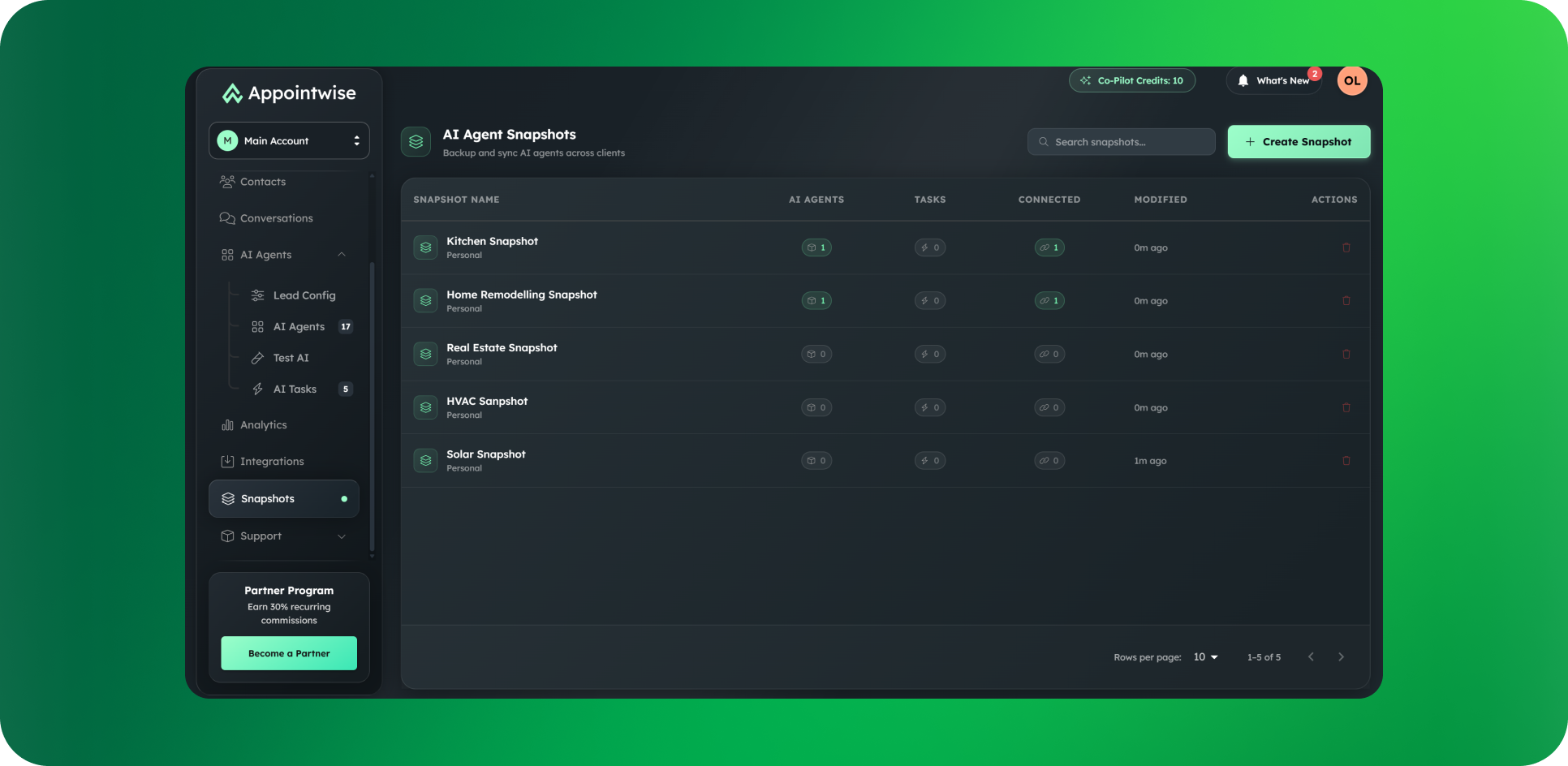
Snapshots

Create reusable snapshots of your best-performing AI setups and deploy them to multiple clients instantly.

Built the perfect real estate lead qualifier? Save it as a snapshot. Now you can push it to 10 new real estate clients in minutes instead of rebuilding from scratch every time.

Even better: When you improve the setup, push updates to all clients using that snapshot. One change, deployed everywhere.

What you can snapshot:

  • AI agents (complete with prompts, logic, and flows)

  • Custom tasks and automations

  • Entire workflows

Why this matters:

→ Onboard new clients 10x faster → Maintain consistency across your entire client base → Push improvements to all clients simultaneously → Build once, deploy infinitely

Brand-new backend + upgraded AI model

A rebuilt backend paired with a new model for massively improved reliability and far more natural, capable conversations.

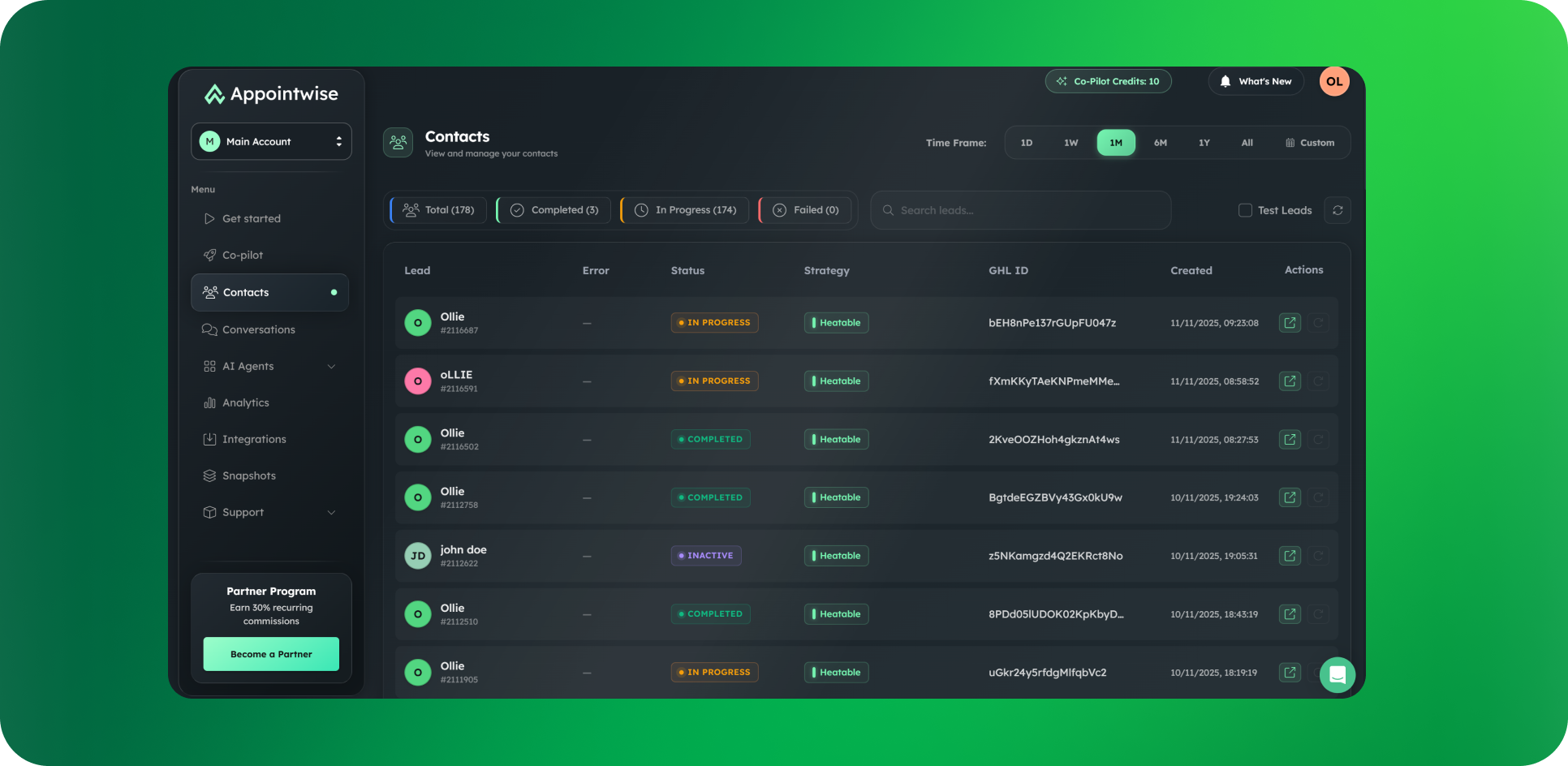
Contacts tab (revamped)

A new and improved UI with richer fields, greater functionality, and deeper customization of lead details.

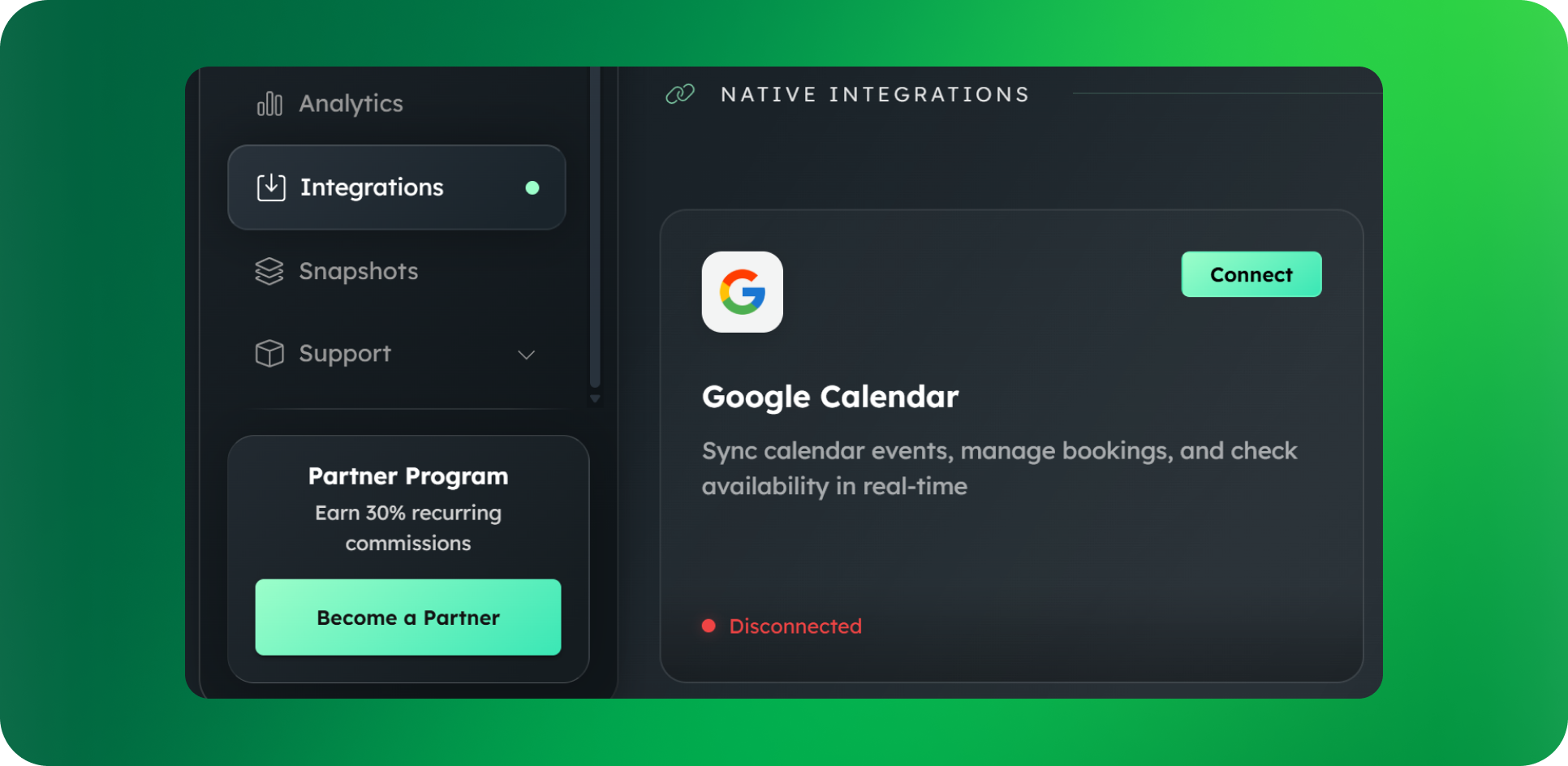
Direct Google Calendar integration

You no longer need GHL to use Appointwise. Connect Google Calendar directly to your AI and start booking appointments immediately. For other calendar systems, enable AI booking via Zapier.

This means agencies can offer AI appointment setting to clients who aren't on GHL. More native calendar integrations coming soon.

Floating Test Environment

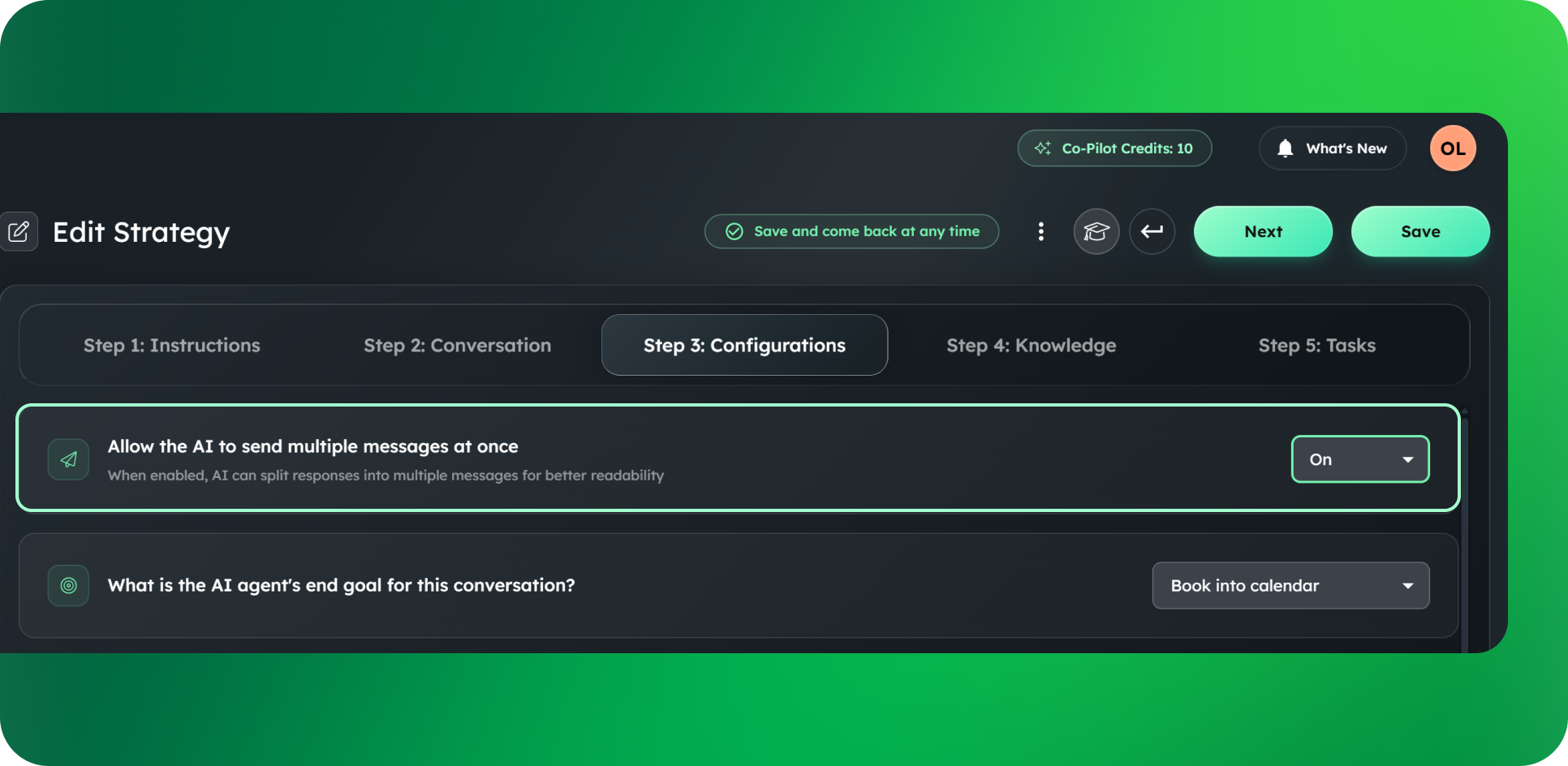
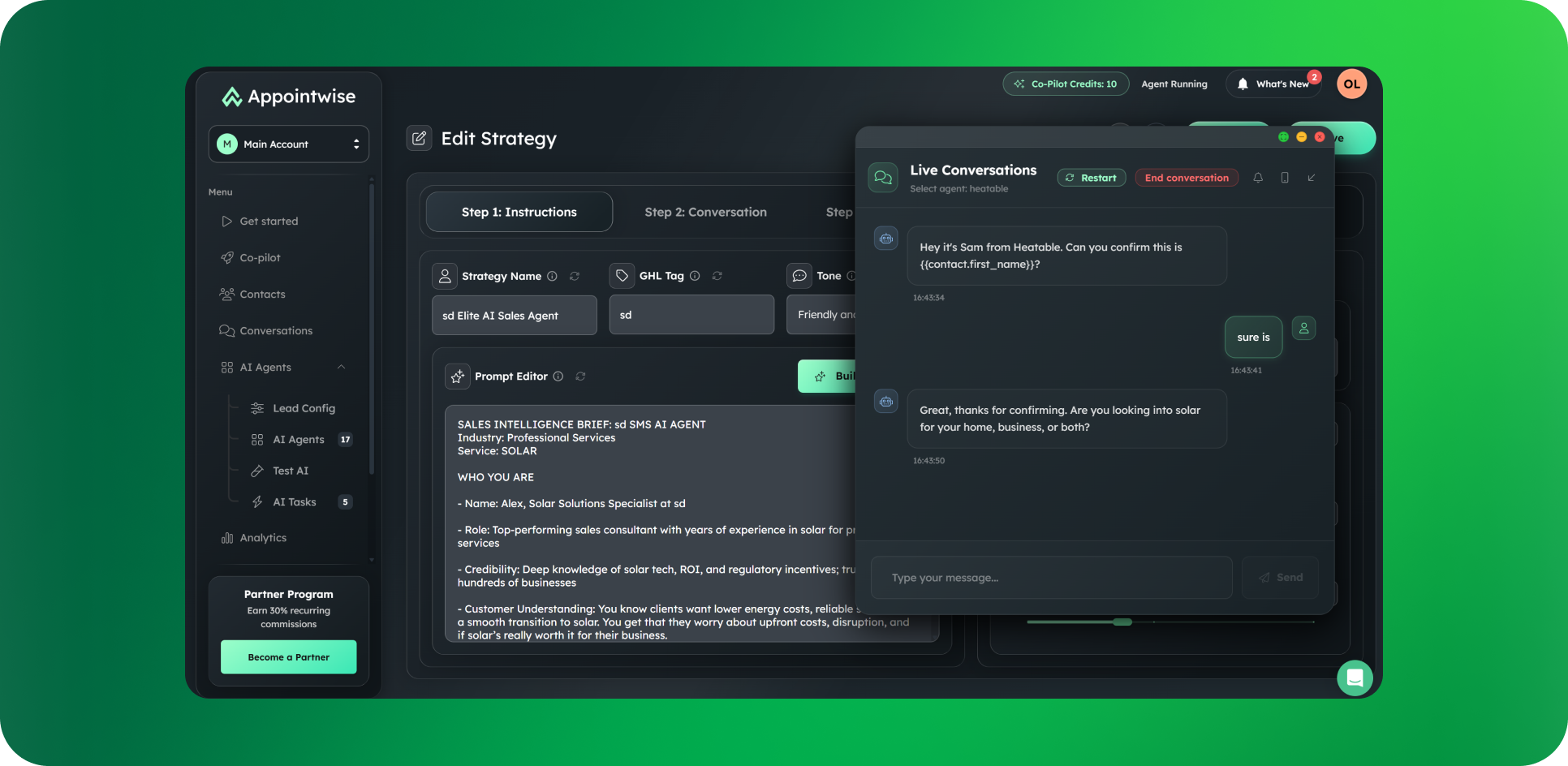
The test environment just got a massive upgrade. You can now pop it open anywhere inside Appointwise and move it around your screen while you work. Make a change to your AI's prompt? Test it instantly without switching tabs. Adjust a qualifying question? Fire off a test message right there. Update your conversation flow? See how it performs in real-time

Earlier updates